How a Cracked WordPress Plugin Destroyed My Site (And the Exact cPanel Recovery Method)
Let me be entirely upfront: early in my web development journey, before I established strict enterprise protocols at my agency, I made a critical error in technical judgment.
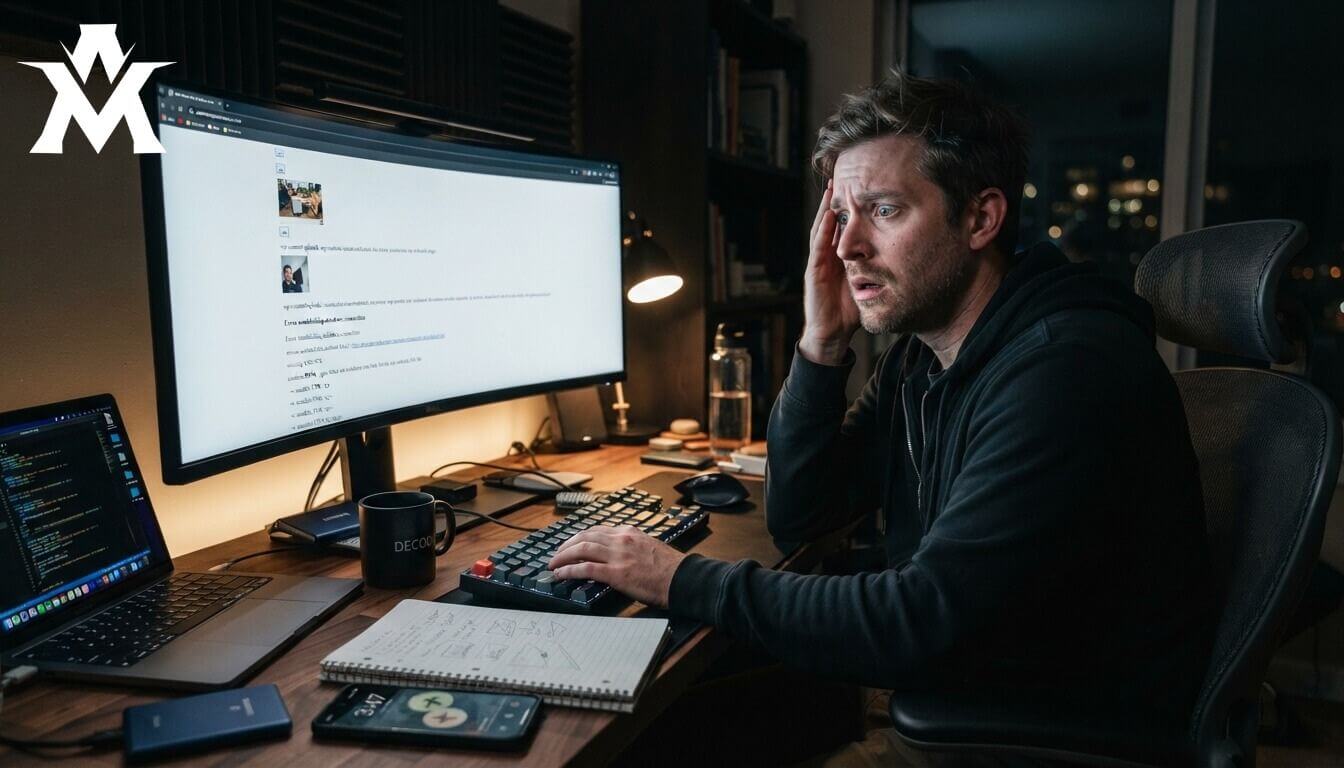
I installed a cracked (nulled) version of Elementor Pro on one of my personal testing environments. I thought I was being clever by bypassing the premium licensing fee to test out some advanced design layouts. A week later, that entire environment was decimated. There was no design, no structure, and no CSS styling just a broken mess of raw text floating on a white screen of death.
If you are a WordPress beginner, or even an intermediate developer trying to cut costs, this article is a mandatory read. I see new developers making this exact same mistake every single day. They download pirated software to save $50, and it ends up costing them client relationships, permanent data loss, and their professional reputation.
Here is exactly how nulled plugins operate, why they are fundamentally a ticking time bomb, and the step-by-step technical forensic process I used to forcefully recover the crashed site from the server backend.
The Illusion of a “Free” Premium Plugin
The situation started innocently enough. I wanted to unlock the advanced dynamic widgets, loop builders, and animation features of Elementor Pro for a personal project. I searched Google, found a third-party directory offering a “free” cracked version, downloaded the zip file, and installed it on my WordPress dashboard.
Honestly, the initial result was flawless. All the premium features unlocked immediately. The theme builder worked, the templates loaded, and the site looked fantastic. For one full week, the site ran smoothly without a single PHP error, slow load time, or dashboard warning.
Then, on the eighth day, the architecture completely collapsed.
When I contacted my hosting provider to investigate the server error logs, they didn’t even ask for a list of my active plugins. They simply looked at the backend CPU behavior and said, “Check your installation. You have a cracked plugin running malicious scripts, and it is overloading the server container.”
They suspected it purely from the server’s resource spikes. That was the exact moment I realized how dangerously naive I had been to trust pirated, unverified PHP code on a live server.
The Technical Reality: What is a Nulled Plugin?
To understand why this happened, you have to understand how the underground market for cracked software actually works.
When hackers upload “free” versions of premium plugins like Elementor Pro, WP Rocket, or Yoast SEO, they do not do it out of charity. They download the legitimate plugin, modify the core PHP files to bypass the license activation check, and—most importantly—they inject malicious payloads into the source code.
These payloads are often heavily obfuscated using base64_encode functions, meaning you cannot easily read the malicious code just by looking at the files.
The Delayed Execution Tactic
What makes these cracked plugins so exceptionally dangerous is not what they do immediately; it is the delay.
My nulled copy of Elementor Pro functioned flawlessly for a week. This delay is intentionally engineered by the hackers. They want the plugin to work normally so that you do not immediately connect the eventual crash—or the silent data theft—to their software.
While you think you are designing a beautiful website, the plugin is quietly executing hidden background code. It might be opening backdoor access for other hackers, injecting SEO spam links into your footer to boost illegal websites, or scraping your database for admin credentials.
In client work, this is a fatal error. If you deploy cracked software at an agency like CubeCod Technologies and the client’s infrastructure gets compromised, you permanently destroy that business relationship. A “free” plugin instantly becomes the most expensive mistake of your career.
The Hidden Damages: Beyond the White Screen
A crashed site is actually the best-case scenario when dealing with nulled software because the problem is obvious. The worst-case scenario is when the malware remains hidden.
If left unchecked, cracked plugins cause catastrophic secondary damage:
-
Google Blacklisting: When Google’s crawlers detect malware or spam links generated by the nulled plugin, they will display a massive red screen to your visitors saying, “This site ahead contains malware.” Recovering your SEO rankings after this happens takes months.
-
Server Resource Hijacking: Hackers often use compromised sites to mine cryptocurrency or send out millions of spam emails. Your hosting provider will eventually suspend your entire account for terms of service violations.
-
Data Breaches: If you run WooCommerce or membership plugins alongside a cracked plugin, the malicious code can harvest your customers’ personal data and payment information.
The Recovery: How to Fix a White Screen of Death
The hardest part of this specific crash was that I was completely locked out of the WordPress admin panel (/wp-admin). The standard troubleshooting method is to log into the dashboard and deactivate plugins one by one, but my login page was returning a critical 500 Internal Server Error.
If you ever face this scenario, you have to bypass WordPress entirely and manipulate the server files directly. Here is the exact cPanel forensic method I used to regain control and clean the infection.
Step 1: Access the cPanel File Manager
Log into your hosting account’s cPanel, open the File Manager, and navigate to your site’s root directory (usually public_html). From there, open the wp-content folder.
Step 2: Force-Deactivate All Plugins
Inside wp-content, locate the folder named plugins. Right-click and rename this folder to plugins_disabled. Why does this work? WordPress hard-codes its architecture to look for a folder explicitly named “plugins” to load third-party scripts. By renaming it, you force the WordPress core to instantly deactivate every single plugin on the site, effectively cutting off the malware’s ability to execute.
Step 3: Regain Admin Access
Open a new browser tab and navigate to your standard WordPress login URL ([yourdomain.com/wp-admin](https://yourdomain.com/wp-admin)). It will now load successfully. Your site will still look completely broken on the front end because your page builder is deactivated, but you have successfully bypassed the lock-out.
Step 4: Restore the Directory Name
Go back to your cPanel File Manager and rename plugins_disabled back to its original name: plugins.
Step 5: Isolate the Infection
Return to your WordPress dashboard. All of your plugins will now be listed as deactivated. Begin activating them one by one, refreshing your live site after each activation.
When I did this, I activated my plugins sequentially. The moment I activated the cracked Elementor Pro, the site instantly crashed again. The diagnosis was confirmed. I deleted the malicious plugin entirely from the server.
Step 6: Audit Core Configuration Files
Malware often leaves traces even after the parent plugin is deleted. While still in cPanel, I opened the .htaccess file and the wp-config.php file to check for strange, unfamiliar code blocks. Hackers frequently inject redirect scripts into .htaccess to send your mobile traffic to spam sites. I compared my files to clean, default WordPress core files to ensure no malicious code remained.
Step 7: Server-Level Malware Scan
Finally, I installed a legitimate, premium security scanner (Wordfence) and ran a deep scan of the entire server architecture to ensure no backdoors (like rogue .php files hidden in the wp-content/uploads folder) were left behind.
My Strict Post-Crash Operational Rules
That crashed site taught me more about WordPress security architecture than months of standard development work. Once the site was fully restored and sanitized, I implemented strict operational rules that form the backbone of how we build sites today:
1. Zero Tolerance for Nulled Software
I immediately purchased a legitimate, fully licensed copy of Elementor Pro directly from the official developer. It receives automated security patches, connects to their premium template library, and I have never experienced a conflict since. If a premium feature is required for a client project and they refuse to pay for the license, I either find a legitimate free alternative or remove the feature from the project scope. There are zero exceptions.
2. Mandatory Pre-Update Backups
When my site crashed, I had no backups. I was troubleshooting a live, broken environment, terrified that one wrong click in the File Manager would permanently wipe my database. Today, I employ the 3-2-1 backup strategy. I never touch a WordPress core file, update a plugin, or alter a theme without triggering a full, off-site backup to a secure cloud server first.
3. Never Bulk Update Plugins
When maintaining a site, update plugins one at a time. If you click “Update All” and the site breaks, you have absolutely no idea which of the 15 plugins caused the fatal error, making debugging a nightmare.
The Final Takeaway

Shortcuts in web development feel incredibly smart right up until your infrastructure collapses. A free crack plugin almost cost me a massive amount of data and downtime. The “free” version ended up being the most expensive decision I made that month in terms of lost hours and stress.
But more than that, it taught me to diagnose technical failures calmly instead of panicking. When your site crashes, the absolute worst thing you can do is start clicking everything randomly, hoping something fixes itself. Slow down. Audit the front end first. Then check the server logs. Then isolate the problem systematically.
WordPress problems almost always have a logical solution. You just have to find it methodically. If your WordPress site is currently locked behind a white screen of death, do not panic. Open cPanel, rename your plugins folder, isolate the infection, and never trust pirated software again.
Have you ever had a WordPress site crash because of a plugin or crack software? Drop your experience in the comments what happened and how did you recover?

