Your Fiverr Account Can Get Banned Without Warning Here’s Exactly What to Do
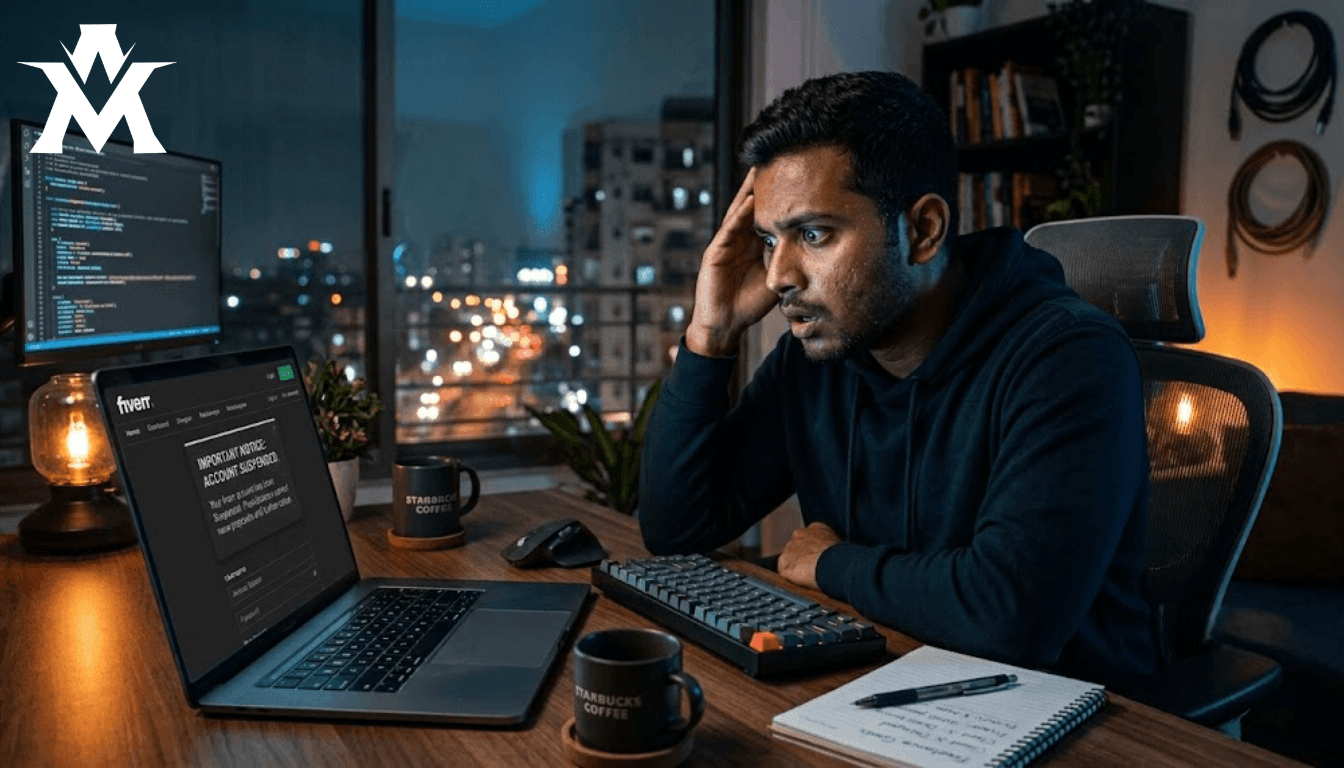
I opened my email one day in August 2022 and saw this:
“Your Fiverr account has been Suspended.”
No warning before it. No email asking me to fix something. Just a single message telling me the account I had spent time building with gigs I had carefully set up, optimized, and hoped would bring my first real orders was gone.
I had no orders at the time. No money in the account. Just the initial work I had put in, and suddenly no platform to show it on.
If you are reading this because something similar just happened to you, here is everything I did to recover my account and everything I learned about making sure it does not happen again.
What Actually Happened The Real Reason for the Ban
Fiverr told me the reason was a mobile number issue. Specifically, they said my number was associated with multiple accounts, which violated their policy against running more than one account on the same platform.
The problem was, I had never created another Fiverr account. That was my first account, on that number, ever.
I still do not know exactly why their system flagged it. Maybe there was a previous account on that number from someone else. Maybe it was a technical error on their end. Whatever the reason, Fiverr’s automated system saw a policy violation, and the account was disabled before anyone manually reviewed the situation.
This is something many new freelancers do not realize: Fiverr, like most large platforms, uses automated systems that can ban accounts based on data triggers without a human ever looking at the specific case. You can be following every rule and still get flagged. It happens.
Knowing this does not make the ban less frustrating. But it does change how you respond to it.
The First Step: Do Not Panic, Do Contact Support Immediately
When your account gets banned, there is exactly one productive action available to you: contact Fiverr support.
You cannot appeal through the platform itself when your account is disabled your access is cut off. The only channel that works is email. Go to Fiverr’s support portal and write to them directly.
Do not wait. Do not spend hours reading forum posts about other people’s ban experiences. Do not try workarounds. The faster you reach out to support with a clear, professional message, the faster your case gets reviewed.
How to Write the Email That Actually Gets Results
The tone and content of your support email matters enormously. Here is what works and what does not.
What works:
-
Be polite, humble, and professional. I cannot stress this enough. Fiverr support is reviewing your case and also watching how you communicate. A seller who responds aggressively or uses angry language is not someone Fiverr wants representing their platform. The moment your email reads as combative, your case weakens.
-
Be specific and honest. Explain exactly what happened from your perspective. In my case, I told them clearly: this is my first Fiverr account, I have never registered another account on this number, I do not know why it was flagged, and I am asking them to verify this and restore my account.
-
Do not make things up or exaggerate. Whatever Fiverr asks you for evidence, explanations, confirmations give them accurate information. Their systems are sophisticated. If you provide false information and they detect it later, even after restoring your account, you risk a permanent ban that cannot be reversed.
-
Make a genuine request. I asked them specifically to verify that my number had only been used for one account mine and to restore access. I kept the tone respectful throughout every email exchange.
What does not work:
-
Aggressive or abusive language will not speed up your case. It will slow it down or end it entirely.
-
Threats will not help. Saying you will “report Fiverr” or “take legal action” over what may turn out to be a system error is unproductive.
-
Shortcuts and tricks will not work. Some people try clever workarounds to get their account back faster. Fiverr’s systems are updated regularly, and past dishonesty will eventually catch up to you.
What the Process Actually Looks Like
Once I sent my first email explaining the situation, Fiverr responded within one to two days asking me to raise a support ticket with more details about the issue.
From there, it was a back-and-forth exchange roughly seven to eight emails total. They asked questions, I answered honestly. They requested clarification, I provided it. I also politely but clearly made the point in multiple messages that I genuinely had no other account on this number and was asking them to please restore my access.
Within two to three days of first contacting them, I received the email I had been waiting for:
“Your Fiverr account has been restored.”
I opened it sitting in my room, scrolling through my phone. I almost missed the notification. When I finally opened it and saw those words, I went straight to the platform and everything was there. Every gig, every message, every piece of data I had created. Nothing was lost.
What I Changed After the Account Was Restored
The first thing I did after getting back in was strengthen the account’s security.
I enabled two-factor authentication on both my Fiverr account and the email linked to it. I changed my passwords to stronger ones. These are things most people skip when they first set up an account and only think about after something goes wrong. Do not make that mistake.
Beyond security, I also became much more deliberate about how I used the platform specifically, making sure I was never doing anything that could trigger another automated flag.
The Most Common Policy Mistakes That Get Accounts Banned
Since going through this experience, I have spoken to many freelancers who have faced similar situations. Here are the mistakes that come up most often:
-
Multiple accounts on the same number or email: This is the single most common reason for bans. Fiverr allows only one account per person. Some freelancers create multiple accounts thinking it will bring more orders; it does the opposite and puts all associated accounts at risk.
-
Taking clients off-platform: This one is particularly dangerous. Some freelancers share their personal number or email with clients and move the work outside the platform to avoid fees. This violates Fiverr’s terms of service directly and can trigger instant bans.
-
Incomplete or inconsistent account information: If your account details do not match up name, location, contact information automated systems can flag this as suspicious. Keep your account information accurate and consistent.
If Your Account Does Not Get Restored
Not every appeal succeeds. Sometimes accounts are permanently disabled, and no amount of follow-up emails will change that. If this happens to you, here is what to do:
-
Save your assets locally: Before you do anything else, save every piece of work you have. Gig images, portfolio pieces, service descriptions. This material can be used when setting up elsewhere.
-
Explore other platforms: Upwork, Freelancer, and direct client acquisition channels all have active markets. No single platform should be your only source of income.
Why Depending Only on Fiverr Is a Risky Strategy
My ban experience reinforced something I had not fully understood before: building your freelancing income on a single platform is genuinely risky.
Fiverr can ban your account. It can change its algorithm and reduce your visibility overnight. It can update its policies in ways that affect how you work. Any of these things can happen without warning and if Fiverr is your only source of clients, any of them can seriously disrupt your livelihood.
The solution is not to avoid Fiverr. It is to build a presence across multiple channels simultaneously. LinkedIn, direct client outreach, professional communities these should all be part of how you find clients.
If my account had been permanently banned in 2022, I would have lost my only online platform at the time. That experience pushed me to diversify. Today, if Fiverr banned my account again, it would be frustrating, but it would not be devastating.
The One Habit That Protects You Most

If there is a single takeaway from everything I have shared here, it is this: play by the rules of the platform that feeds you.
Keep your communication, transactions, and project delivery secure. Do not risk a permanent ban over shortcuts.
And if a ban happens anyway? Email support immediately, be honest, be professional, and follow through with patience. Most of the time, if your record is clean,
Most of the time, it works out.