My Client Ignored My Warning About Cheap Hosting Then His Site Got Hacked
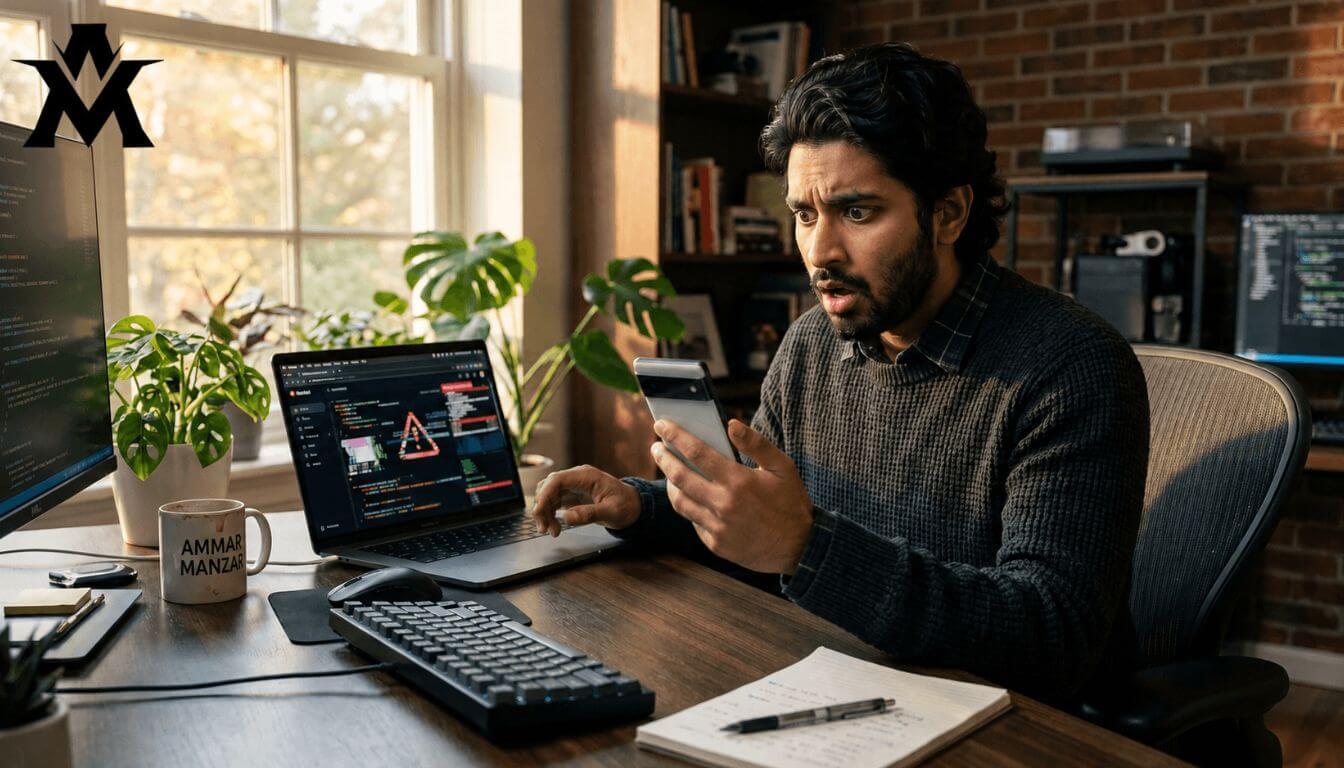
It was around 4:00 PM on a normal afternoon when my phone buzzed. I was sitting at home, relaxing, when a message popped up from a client.
“The website isn’t working again. Can you check?”
This particular client also happened to be a close relative. I had developed his business website a while ago. Since the site had a habit of randomly going offline, I didn’t panic at first. I assumed it was just another routine server crash. I replied, “It looks like the server is down again. Let me log in and see what is going on.”
I opened my laptop, navigated to the hosting login, and opened the cPanel. What I saw next made my stomach drop.
The directory was full of strange, unnamed files. There were blank folders that hadn’t been there before. When I opened the core files, they were injected with weird, suspicious code that I couldn’t even read. It was a complete mess.
The site wasn’t just “down.” It had been completely hijacked by malware.
This is the story of what happens when a client ignores your technical advice to save a few dollars. It is a painful look at the true cost of “cheap hosting,” the nightmare of losing a website, and the exact steps you should take to make sure this never happens to your digital business.
The $7 Mistake: “Just Make It Live, Hosting Doesn’t Matter”
To understand how we ended up with a hacked website, you have to go back to the day we finalized the development deal.
Because the client was a relative, I wanted to give him the best possible setup. I recommended a premium, secure hosting provider that I trusted. I explained that a strong server is the foundation of a good website.
He immediately refused.
He told me he didn’t want to spend that much money on hosting. “I found an ad on Facebook,” he said. “It’s only 2100 PKR for the whole year, including the domain. Let’s just buy this one.”
For context, 2100 PKR for an entire year of domain and hosting is absurdly cheap. It is a massive red flag. I had never even heard of the company running the Facebook ad. I tried to warn him. I explained that at this price point, the server would be terrible and he wouldn’t get any customer support.
He waved off my concerns. “I don’t care. I just need the site to be live. It’s all the same thing. Nothing bad is going to happen.”
Since he was a relative and he was insisting so heavily, I eventually gave in. I bought the 2100 PKR package and hosted his newly developed website on their server. That was my first mistake.
The Early Warning Signs
You don’t just wake up one day to a hacked website. A bad server always gives you warning signs first.
Almost immediately after launching, the problems started. The website was painfully slow to load. Over the course of the year, the site completely crashed and went offline four or five times.
The most frustrating part was the email system. The client had official business emails attached to the domain, and they were constantly bouncing back. He would call me, annoyed, asking why his emails weren’t delivering. I kept telling him, “This is not a website coding issue. This is a server-side issue. Your host is terrible.”
But because the site would eventually come back online after a few hours, he refused to upgrade. We just learned to live with the slow speeds and the glitchy emails. We accepted it as normal.
The Day the Server Died
That brings us back to that 4:00 PM text message.
When I looked at the cPanel and saw the malicious code spreading through every single folder, absolute panic set in. The malware had infected everything. It wasn’t just a front-end defacement; the back-end scripting was entirely corrupted.
I immediately tried to contact the cheap hosting company. I sent messages, opened support tickets, and waited.
Silence.
For the first few hours, I got zero response. I had a furious, panicked client asking me why his website was showing errors, and I had a hosting provider completely ignoring me. I started manually trying to clean the files myself. I carefully deleted the suspicious folders and tried to strip the malicious code out of the core files, but the infection was too deep.
The Support Nightmare
When the hosting company finally replied, their response was shocking.
I told them their server security had failed, our site was injected with malware, and I needed them to restore the latest clean backup.
Their support agent casually replied, “We do not keep restoration backups.”
I was furious. We got into a heated argument. I pointed out that the hack happened because they had incredibly weak security patches on their shared servers. They had shoved thousands of websites onto a single server without any isolation, meaning if one site got a virus, it spread to everyone else.
Instead of taking responsibility, the support team started dodging my questions. They sounded completely irresponsible. Finally, after a lot of pressure, they said, “Fine, we will try to recover your data. If we can do it, great. If we can’t, be ready to accept the loss.”
The True Cost of “Cheap”

The website was completely offline for four to five agonizing days.
Because my client ran a physical business, he luckily didn’t lose direct e-commerce sales. But the professional embarrassment of having dead business emails and a broken website for a week was massive.
When the dust finally settled, the hosting company managed to recover a fragmented version of the site, and I manually rebuilt the rest. We lost some emails, and one entire page of the website was permanently gone.
But the biggest shock was the financial cost. Between the deep cleaning, the manual restoration, the fresh scripting, and the new development work required to fix the corrupted database, the total recovery cost hit around 60,000 PKR.
My client tried to save a few thousand rupees on a Facebook hosting ad, and it ended up costing him 60,000 PKR and a week of extreme stress.
The Migration and The Fix
After the site was somewhat stable again, my client called me. His tone had completely changed.
“Move the site to a secure host,” he said. “I don’t care what it costs. Just put it somewhere safe.”
I immediately migrated his entire website to Doctor Hoster, the premium hosting provider I use for my own platform, ammarmanzar.com.
The migration process was incredibly smooth. I simply unlocked the domain, provided the cPanel access to the new host, and they securely transferred the files as-is.
The difference was like night and day. The moment the DNS propagated to the new servers, the website speed skyrocketed. It loaded instantly. The emails stopped bouncing. The server downtime dropped to zero.
My client was so relieved and happy with the new speed that he actually paid me an extra tip just to say thank you. He gave me a lot of prayers and blessings that day. He finally understood what I had been trying to tell him a year earlier.
Why Cheap Hosting Gets Hacked (The Technical Truth)
If you are a beginner, you might be wondering how a hosting provider actually gets hacked. It comes down to how cheap companies structure their business.
When you pay $5 or $10 for an entire year of hosting, the company cannot afford to give you a dedicated space. They use a system called heavily crowded Shared Hosting. They will put 10,000 different websites on a single server to make a profit.
Because they are selling at rock-bottom prices, they do not invest in expensive firewall software, active malware scanning, or updated security patches.
If just one out of those 10,000 websites uploads a bad plugin with a vulnerability, a hacker can enter the main server. Because there are no security walls between the accounts, the hacker can simply walk into your cPanel and drop malicious code into your folders. You get hacked not because of your own coding, but because your neighbor had a bad password.
Premium hosting companies isolate every single account. Even if you are on a shared server, your specific cPanel acts like a locked vault. If your neighbor gets a virus, your site remains 100% untouched.
What You Must Check Before Buying Hosting
If you are about to buy hosting for yourself or a client, never look at the price tag first. Before you hand over your credit card, you need to check these four things:
-
Server Location (Data Centers): Find out where their physical servers are located. If you are in Pakistan and the server is in a terrible, low-tier facility on the other side of the world, your site will be slow due to geographical lag.
-
Security Patches & Malware Protection: Ask the live chat if they provide active malware scanning and daily automatic backups. If they do not guarantee automatic backups, run away.
-
Server Crowding: Look for companies that promise “Litespeed” servers or strict resource allocation. You do not want to be on a server that is choking under the weight of too many users.
-
Customer Support Speed: Open the live chat before you buy. Ask a random technical question. If it takes them 20 minutes to reply to a sales question, imagine how long it will take them to reply when your site is broken.
My Final Advice for Beginners on a Budget
I hear this question from new freelancers all the time: “I really want to practice live website development, but I genuinely have no money. What should I do?”
If you are just practicing, learning cPanel, or testing out WordPress themes for your own education, use Free Hosting. Platforms like InfinityFree are great for this. You get a free subdomain, access to a basic cPanel, and PHP support. It has zero security, but since it is just for practice, it doesn’t matter. I used free hosting when I first started in 2024 because I wanted to see the difference between Localhost and a live server.
However, if you are building a professional portfolio, or if you are hosting a real business for a real client, never use free or dirt-cheap hosting.
If your budget is tight right now, wait. Build the site on your Localhost, save up a proper budget, and buy a reliable hosting package from a verified company.
Paying for good hosting is not an expense; it is insurance. You are paying for the peace of mind that when you go to sleep at night, your hard work will still be there in the morning. Take it from someone who had to clean out a hacked server at 4:00 PM saving a few dollars today is never worth the nightmare it causes tomorrow.

