Why My Web Agency Uses a 4-Tool AI Stack (Instead of Just ChatGPT)
When I first founded CubeCod Technologies, I fell into the same operational trap as 90% of the tech industry: I assumed ChatGPT was a universal, all-in-one solution for everything.
For the first few weeks, I ran my entire agency workflow through a single chat window. I used it for generating WordPress PHP snippets, drafting client emails, brainstorming UI/UX layouts, and researching SEO trends. It felt like a goldmine of productivity. However, as my client requirements became more complex and the deadlines tighter, I realized a hard truth about Large Language Models (LLMs): A model built to do everything is rarely the absolute best at one specific thing.
Using ChatGPT for real-time market research is like using a hammer to turn a screw. It works, but it is inefficient and prone to errors. To scale my agency effectively, I had to stop treating AI as a novelty chatbot and start treating it as a compartmentalized software stack.
Here is the exact 4-tool AI architecture I currently use to run CubeCod Technologies, and why relying on just one model is a massive operational mistake.
1. ChatGPT (GPT-4o): The Front-End Debugging & Vision Engine
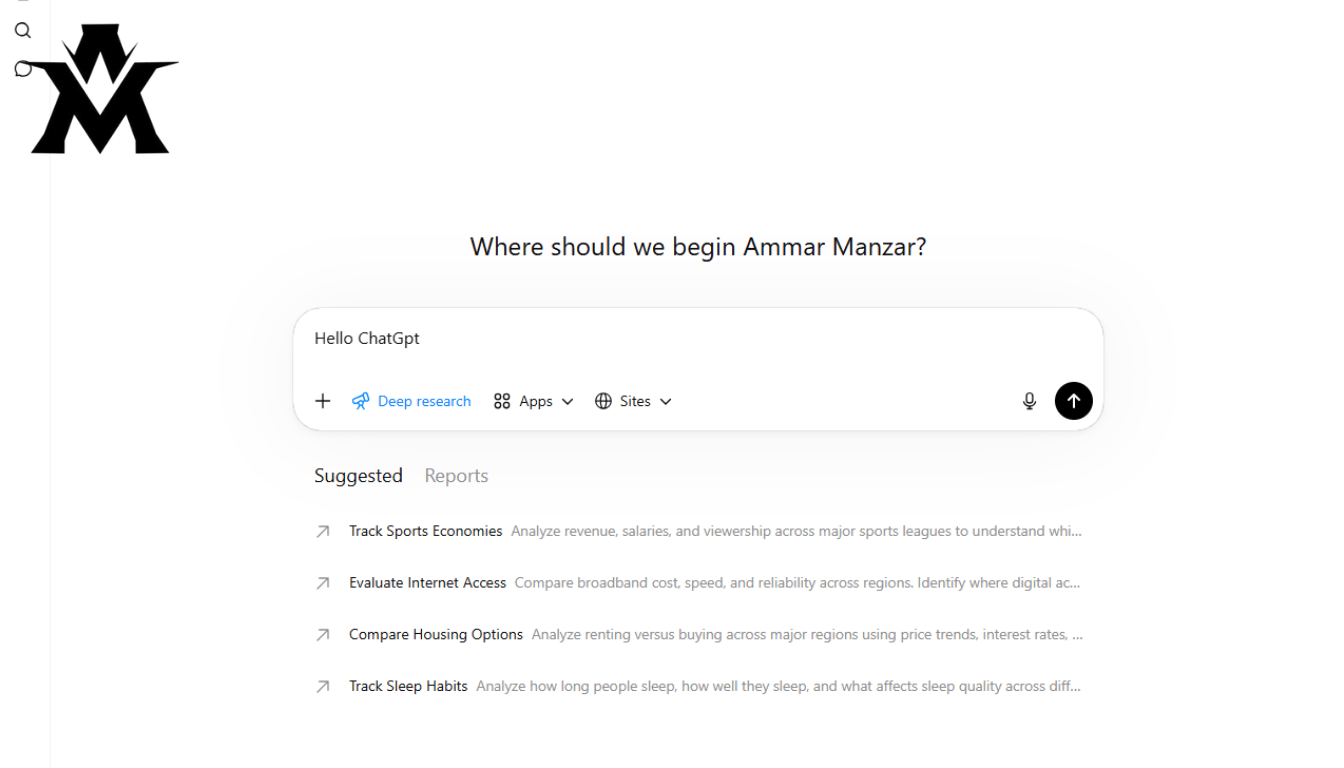
While I no longer use ChatGPT for everything, it remains the absolute core of my workflow, primarily due to its advanced Vision capabilities and DOM (Document Object Model) reasoning.
When a client’s WordPress site breaks for example, a flexbox misalignment on a specific product page I do not waste time reading through hundreds of lines of CSS. As I documented in a previous A/B testing case study, ChatGPT is currently unmatched at visual debugging. I can upload a screenshot of a broken Blocksy theme layout, and the engine will reliably output the exact page-specific CSS required to fix it in seconds.
It is also my primary engine for translating complex technical documentation into client-friendly language. When I need to explain why an API webhook failed to a non-technical client, ChatGPT bridges that communication gap flawlessly. However, its training data cutoff means it is practically useless for live, day-of industry news, which forces me to step outside the OpenAI ecosystem.
2. Perplexity AI: The Sourced Competitor Analysis Tool
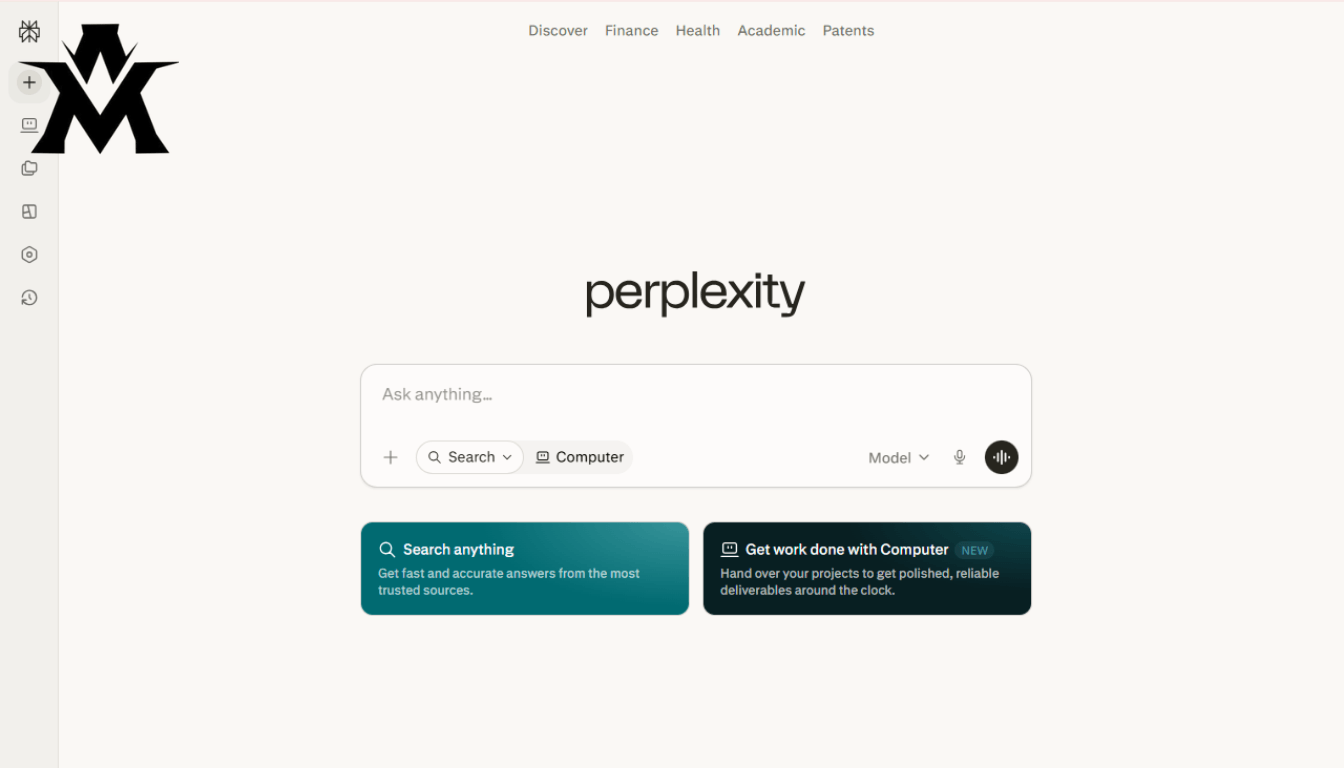
In the agency space, when you take on a new client for SEO or web design, the first step is a deep-dive competitor analysis. If you ask ChatGPT to analyze a competitor’s market strategy, it often hallucinates statistics or provides generalized, surface-level marketing advice.
This is where Perplexity AI becomes invaluable. Perplexity operates differently; it is a conversational search engine that actively crawls the live web and, most importantly, cites its sources in-line.
When I need to research the current digital footprint of a specific niche like local e-commerce stores in a specific city Perplexity pulls actual, verifiable data, links to the current ranking websites, and summarizes their content strategies. I never have to wonder if the AI is hallucinating a metric, because the source link is provided right next to the claim. For verifiable, data-backed client research, Perplexity completely replaced my manual Google search workflow.
3. Grok AI: Real-Time Social Sentiment & Trend Scraping
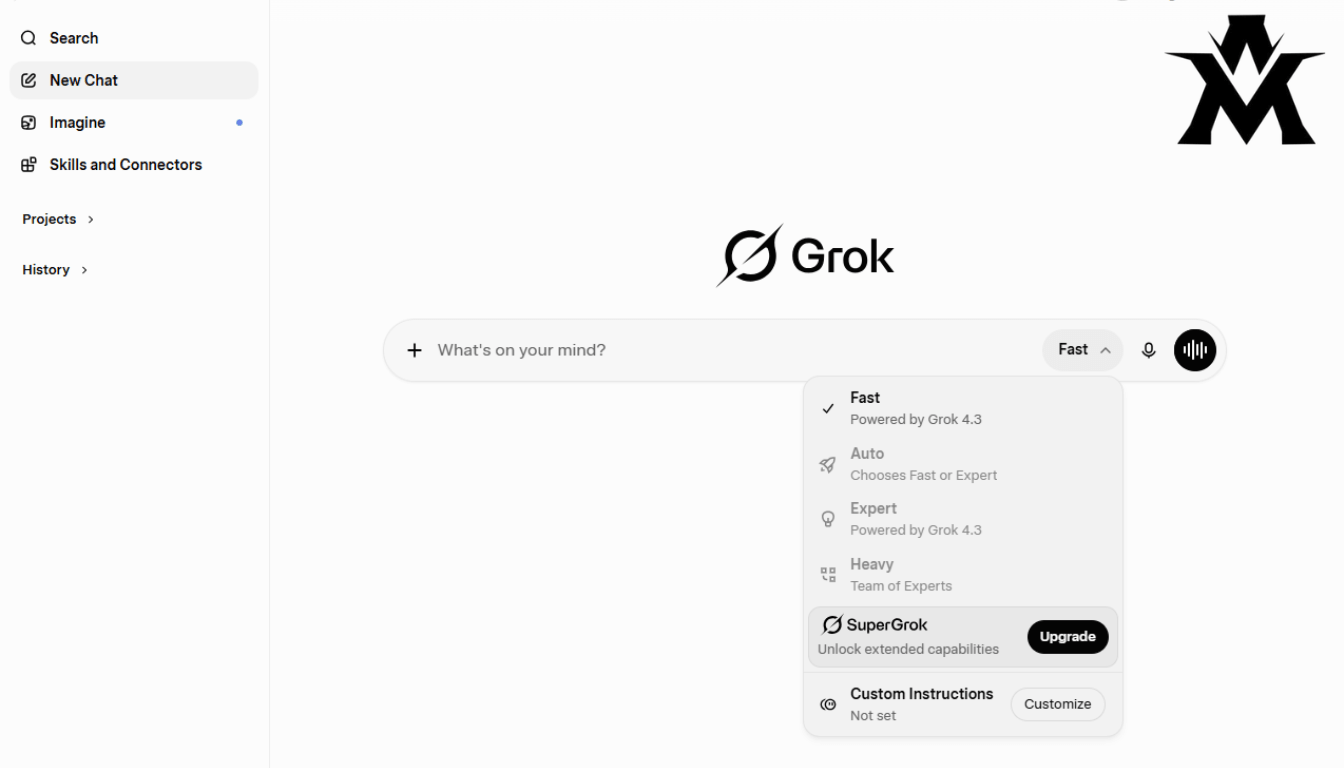
One of the services we offer involves content strategy and understanding what is currently capturing user attention. Standard AI models are trained on historical data. If a major Google Algorithm update rolls out today, or a new tech framework trends overnight, ChatGPT and Claude will not know about it until their next training run.
Grok (built by xAI) solves this specific latency issue. Because Grok has real-time, firehose access to the X (formerly Twitter) database, it is the only tool that actually knows what developers, marketers, and consumers are discussing right now.
I use Grok strictly as a real-time sentiment analyzer. If a client wants to launch a marketing campaign around a trending tech topic, I use Grok to pull the current narrative, identify the most common user complaints from the last 24 hours, and position my client’s solution to address those exact pain points. It is less of a writing assistant and more of a live data scraper.
4. Blackbox AI & Claude: The Backend Code Generation
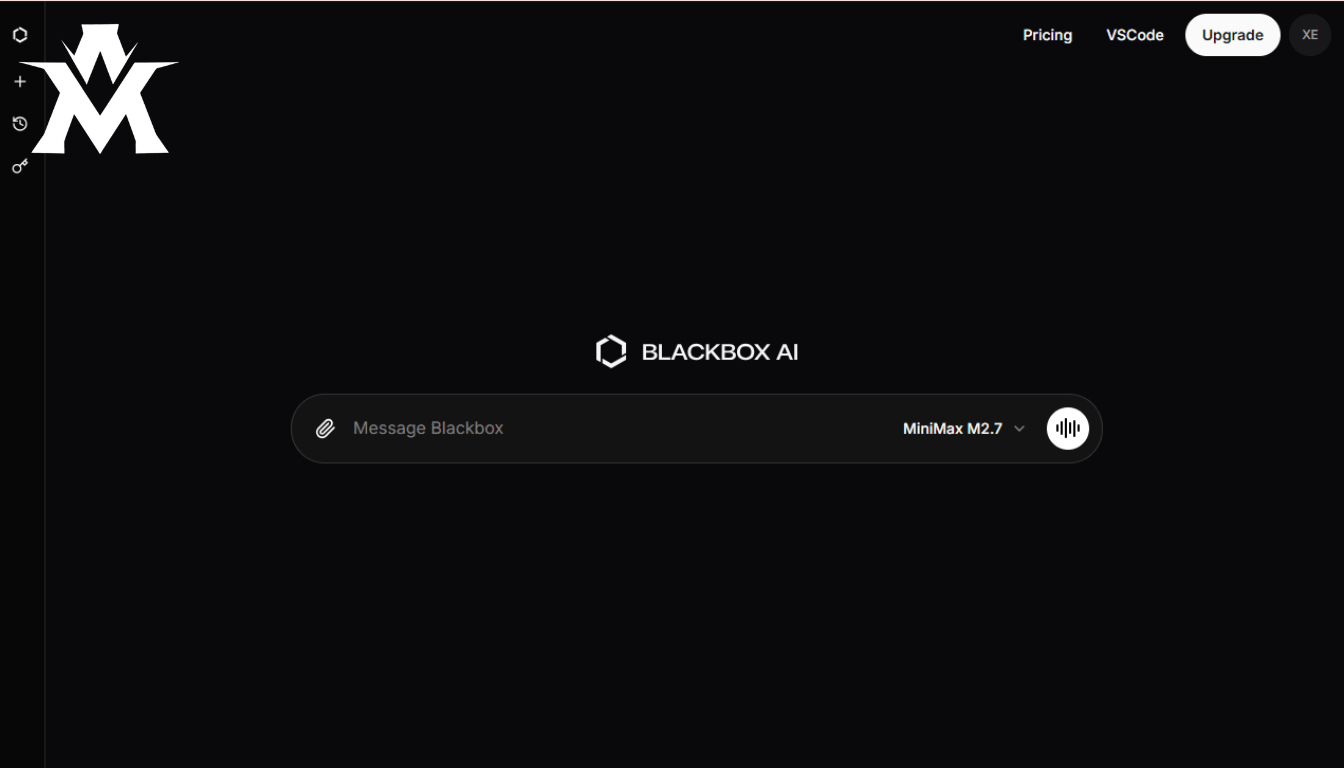
For a long time, Blackbox AI was my absolute secret weapon. It is an engine purpose-built for developers.
Early on, I gave Blackbox a highly detailed brief for a custom WordPress component. I expected a rough, unoptimized boilerplate that I would have to refactor manually. Instead, it returned production-ready code in minutes. Because Blackbox is specifically trained on code repositories rather than general internet text, its syntax structure for complex logic was traditionally much cleaner than ChatGPT’s.
An Honest Operational Update: The AI landscape moves violently fast. Recently, newer models like Claude 3.5 Sonnet and the latest GPT-4o iterations have aggressively closed the coding gap. While Blackbox remains a fantastic dedicated coding assistant, I now frequently route heavy backend PHP and API integration tasks through Claude due to its massive context window and careful logical reasoning. I keep Blackbox in my stack specifically for rapid component templating, but the lesson remains: loyalty to a single tool is a liability. You must constantly benchmark them against each other.
The “One Tool” Mistake Most Developers Make

I have watched dozens of freelancers and junior developers hit a plateau in their careers because they refuse to diversify their AI stack. They type a complex, real-time research query into ChatGPT, get a hallucinated or outdated answer, and conclude that “AI isn’t good enough yet.”
The failure is not the AI; the failure is the operator’s tool selection.
Using the right model for the right task is a distinct technical skill. It takes time to understand the unique latency, context window, and processing strengths of each API. But once you map those tools to your specific agency workflows Grok for trends, Perplexity for sourced data, ChatGPT for vision/debugging, and Claude/Blackbox for backend logic your output quality and speed will jump to a level that a single-tool user can never compete with.
If you are just starting to integrate AI into your web development or freelancing business, do not force everything through a single chat window. Build a stack.
One Last Thing
I used to pay graphic designers for small tasks. Simple things a quick design, a basic template. They would charge a lot because they had a skill I did not have.
AI changed that. Not because AI replaced designers but because it gave me access to output I could not produce myself, quickly and affordably.
That shift is happening across every field right now. And the people who will benefit most from it are not the ones who are the most technical or the most experienced.
They are the ones who take the time to actually learn the tools.
All four of them.