Why “Free” Premium WordPress Themes Will Destroy Your Website (The Nulled Malware Threat)
Every new web developer, blogger, or startup founder faces the exact same temptation when building their first WordPress website. You find a stunning premium theme or an essential plugin that costs $69 or $199. To save capital, you run a quick Google search and find a third-party website offering the exact same .zip file as a “free download” or “nulled” version.
As a web developer who has audited, rescued, and rebuilt numerous hacked client websites, I can tell you the uncomfortable truth: downloading these free premium files is not a clever cost-saving hack. It is a devastating cybersecurity trap.
Nulled software will hijack your server resources, destroy your organic search engine rankings, and get your domain permanently blacklisted by monetization networks like Google AdSense.
In this comprehensive forensic masterclass, we will dissect the exact technical mechanics of how pirated themes infect your server, the cascading impact on your SEO, the step-by-step protocol to eradicate the malware if you are already infected, and how to build a professional-grade website using a 100% free, legal, and secure open-source stack.
Section 1: The Hidden Mechanics of Nulled Software
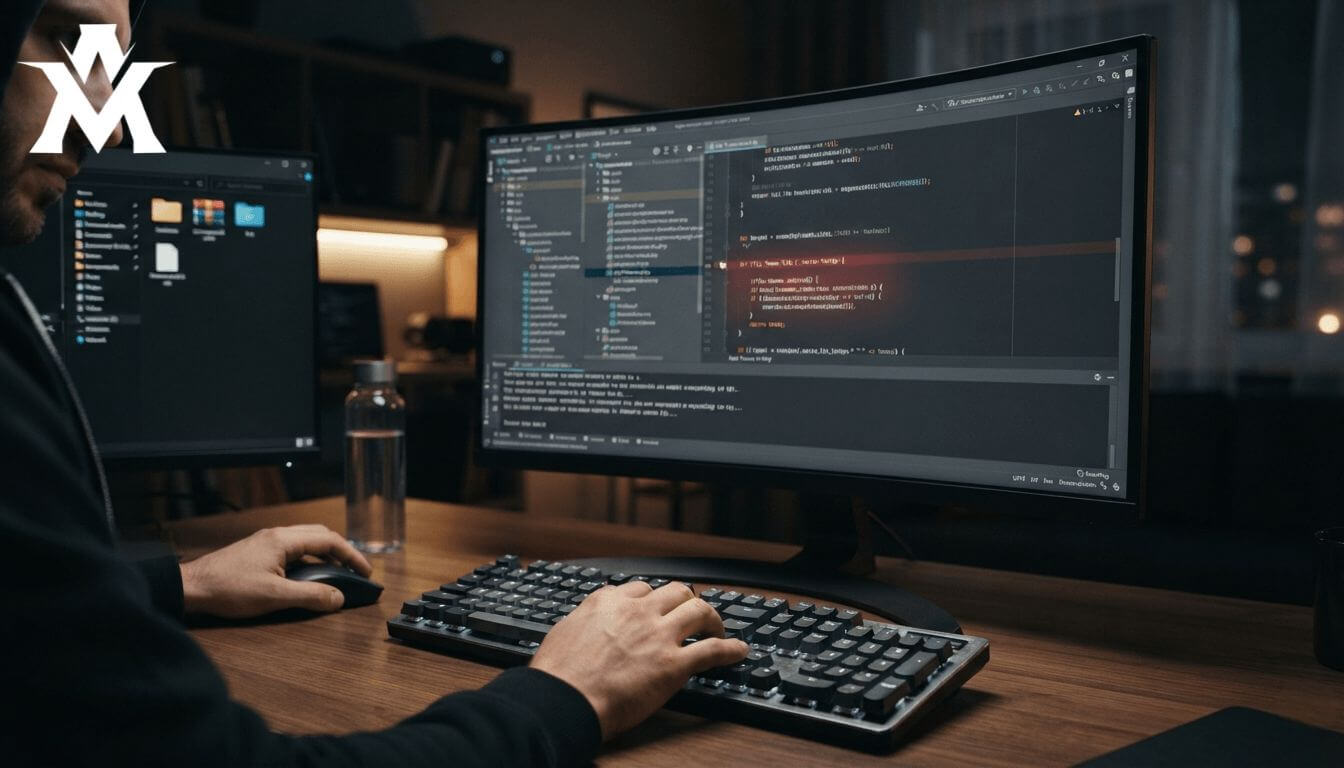
Hackers and cybercriminals do not distribute premium software for free out of the goodness of their hearts. Operating those download directories costs money. They recoup their investment by weaponizing the code within the themes they distribute.
When you download a nulled theme from an unofficial repository, the core PHP files have been intentionally modified. The primary attack vector involves injecting malicious backdoor scripts into critical WordPress architecture files, most commonly functions.php, header.php, or footer.php.
String Obfuscation and Base64 Encoding
Because raw, readable malicious code would be easily detected by standard security plugins like Wordfence or Sucuri, hackers use a technique called string obfuscation. They scramble the code so it looks like an encrypted, harmless string of text.
If you were to open the functions.php file of a nulled theme, you would likely find a string of code hidden at the very bottom or top that looks something like this:
PHP

// An example of obfuscated backdoor injection
eval(base64_decode('aWYoIWZ1bmN0aW9uX2V4aXN0cygi...'));
To a beginner, this might look like a legitimate core function required by the theme’s framework. In reality, base64_decode translates that gibberish back into executable PHP, and the eval() function forces your server to run it.
Once you click “Activate” on that theme inside your WordPress dashboard, this script executes immediately. It quietly opens a backdoor, granting the hacker remote, undetected access to your server.
Section 2: The Cascading Consequences of a Compromised Server
Once the backdoor is established, the hacker does not usually deface your website with a skull-and-crossbones image. That would alert you to the problem. Instead, they want your site to remain operational so they can silently siphon its resources.
1. Server Resource Hijacking and Crypto-Mining
The most immediate impact is on your server’s performance. The malicious script may force your web hosting CPU to participate in a botnet for Distributed Denial of Service (DDoS) attacks against other websites, or it may deploy background crypto-mining scripts. This drains your server’s RAM and CPU allocation. As a result, your Time to First Byte (TTFB) skyrockets, your pages take 10+ seconds to load, and your Google Core Web Vitals scores plummet.
2. Database Poisoning and The SEO Hijacking Effect
The ultimate goal of most nulled software distributors is “Black Hat SEO Hijacking.” Hackers use the backdoor to connect directly to your WordPress MySQL database. They silently inject thousands of hidden spam links usually pointing to offshore gambling sites, adult content, or illegal pharmacies directly into your database tables.
This leads to the infamous “Japanese Keyword Hack” or “Pharma Hack.” When Google’s Googlebot crawls your site, it sees these hidden spam links. Within a few weeks, your Google Search Console will show a massive, unexplained spike in impressions for bizarre, irrelevant spam keywords. Shortly after, Google will issue a manual penalty, de-indexing your entire domain from the search results.
3. Immediate Google AdSense Rejection
If your goal is to monetize your content, a nulled theme is the fastest way to get permanently banned. Google AdSense relies on a strict Document Object Model (DOM) scan during its review process. The moment their automated bots detect obfuscated scripts, malicious outbound links, or unexpected iframe injections, your application will be instantly rejected for “Policy Violations,” “Malware,” or “Low Value Content.”
Section 3: Forensic Audit: Is Your Site Already Infected?
If you have ever installed a nulled plugin or theme, you must assume your site is compromised. Do not rely solely on the frontend visual appearance. Here is how you perform a manual forensic audit:
- Check Google Search Console: Navigate to the “Security & Manual Actions” tab. If Google has flagged your site for malware, it will be listed here. Next, look at your “Performance” report. If you see queries ranking for pharmaceuticals or foreign languages you do not write in, your database is poisoned.
- Inspect the User Roles: Go to your WordPress Dashboard and click on “Users.” Hackers often create invisible or hidden admin accounts. Look for unfamiliar usernames with Administrator privileges.
- Verify Core File Integrity: WordPress core files (like
wp-load.phporwp-config.php) should never change. Use a free scanner like the Wordfence Security plugin to compare your live files against the official WordPress repository. If modifications are detected, you have a backdoor.
Section 4: The Step-by-Step Eradication Protocol
If your site is infected, simply clicking “Delete” on the nulled theme from the WordPress dashboard will not fix the problem. The backdoor has likely already replicated itself into your database and core files. You must perform a deep eradication protocol.
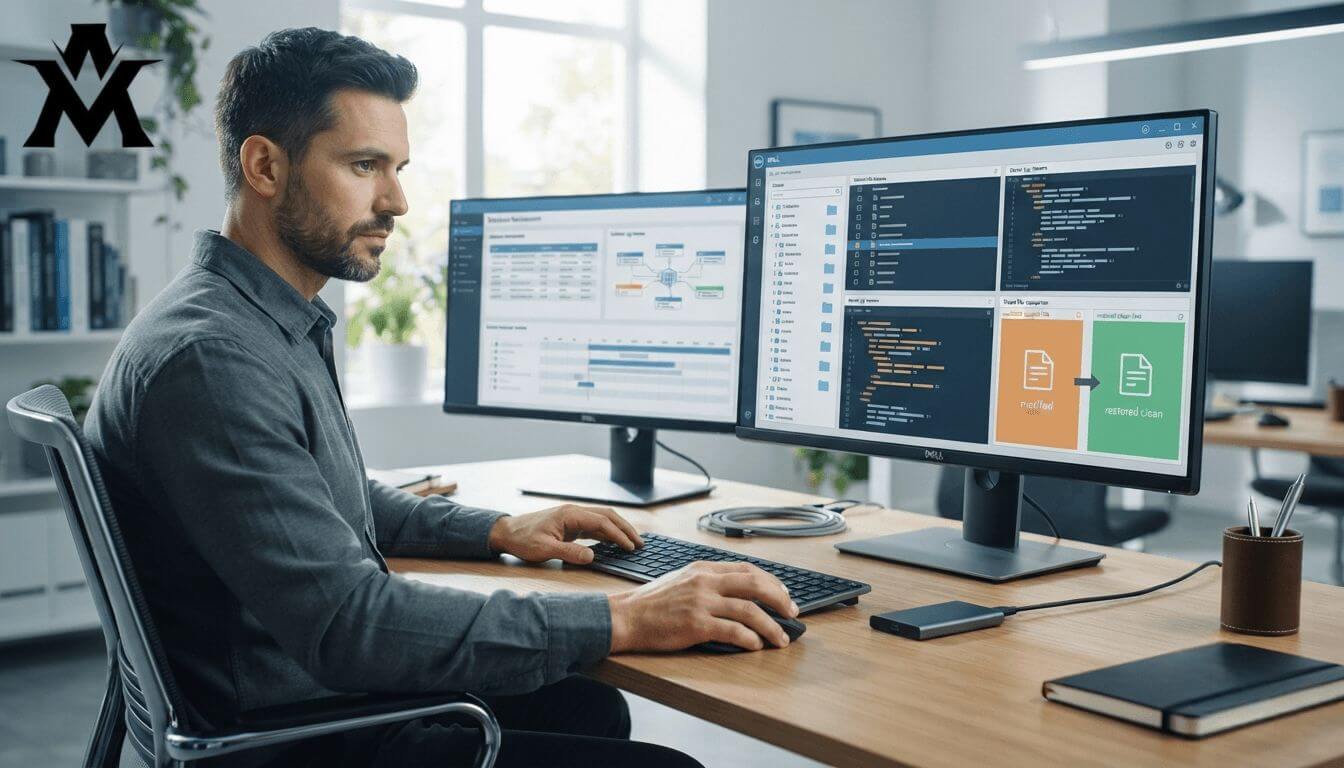
Step 1: Quarantine and Backup
Before changing anything, take a complete backup of your current database and wp-content folder. You need a fallback in case the cleaning process breaks the site architecture.
Step 2: Wipe the Theme and Plugin Directories
Log into your server via FTP or your hosting provider’s File Manager. Navigate to public_html/wp-content/themes/. Completely delete the directory containing the nulled theme. Do the same for any pirated plugins. Replace them temporarily with a default WordPress theme like Twenty Twenty-Four.
Step 3: Database Sanitization
This is the most critical step. Log into phpMyAdmin through your hosting control panel.
- Search the
wp_postsandwp_postmetatables for spam keywords (e.g., “viagra”, “casino”, “base64”). - Look for rogue JavaScript injections inside your actual post content.
- If the database is heavily poisoned, you may need to use an SQL query to bulk-find and replace malicious strings, or restore the database from a clean backup taken before the nulled theme was installed.
Step 4: Regenerate Core Files
Because hackers often infect wp-includes and wp-admin, you must replace the core. Download a fresh, official copy of WordPress from WordPress.org. Extract the .zip file on your computer. Delete the wp-admin and wp-includes folders on your live server, and upload the fresh, uninfected folders to replace them.
Section 5: Hardening Your Server Architecture
Once your site is clean, you must harden the infrastructure to prevent future unauthorized access.
1. Disable the Theme and Plugin File Editor By default, WordPress allows administrators to edit PHP files directly from the dashboard. Hackers love this feature. Disable it immediately by adding this single line of code to your wp-config.php file: define( 'DISALLOW_FILE_EDIT', true );
2. Protect the wp-config.php File Your wp-config.php file holds your database credentials. Protect it at the server level by adding this rule to your root .htaccess file:
Apache

<Files wp-config.php>
order allow,deny
deny from all
</Files>
3. Implement Two-Factor Authentication (2FA) Brute force attacks are incredibly common. Install a plugin like WP 2FA or Wordfence to enforce mandatory two-factor authentication for all Administrator and Editor accounts.
Section 6: The Legitimate “Zero-Budget” Developer Stack
The biggest misconception in the web development industry is that you need expensive premium tools to build a high-performing website. This is entirely false. If you are a freelancer, a student, or a startup with zero budget, you must utilize the legitimate open-source ecosystem.
Here is the exact enterprise-grade free stack you should be using instead of nulled software:

1. The Core Framework: Blocksy Theme
You do not need a bloated $60 ThemeForest template. Modern freemium themes are incredibly powerful. I highly recommend installing Blocksy directly from the official WordPress repository. It is 100% free, extremely lightweight, and built with clean React architecture. It integrates perfectly with the WordPress REST API and scores 95+ on Google Core Web Vitals right out of the box without complex caching.
2. The Native Builder: Gutenberg Blocks
Stop downloading nulled versions of Elementor Pro or WPBakery. Page builders add massive amounts of DOM bloat and unnecessary JavaScript to your site. Instead, learn to master the native WordPress Gutenberg editor. Pair it with a free block library plugin like Spectra or Kadence Blocks. This gives you full site editing capabilities, dynamic content rendering, and pixel-perfect responsive design without writing a single line of code.
3. Understanding the Power of GPL Licensing
WordPress operates on a GPL (General Public License). This means developers are legally required to keep their core code open and free. When agencies pay for a premium theme, they are actually paying for priority customer support and automatic one-click updates not just the code itself. By utilizing trusted, officially audited free themes, you stay legally compliant, receive secure patches directly from the original developers, and keep your site permanently safe from vulnerabilities.
Conclusion
There is absolutely no logical or financial justification for installing pirated WordPress software. There is no such thing as a “free” premium theme. You will either pay the developer with your money, or you will pay the hacker with your website’s security, your organic SEO rankings, and your AdSense eligibility.
Take your business seriously. Delete any nulled plugins currently sitting on your server, run a deep cryptographic scan, and rebuild your digital foundation entirely on clean, audited, open-source code. It is the only way to build an online business that Google will actually trust.